 01
01Build around a favorite shade
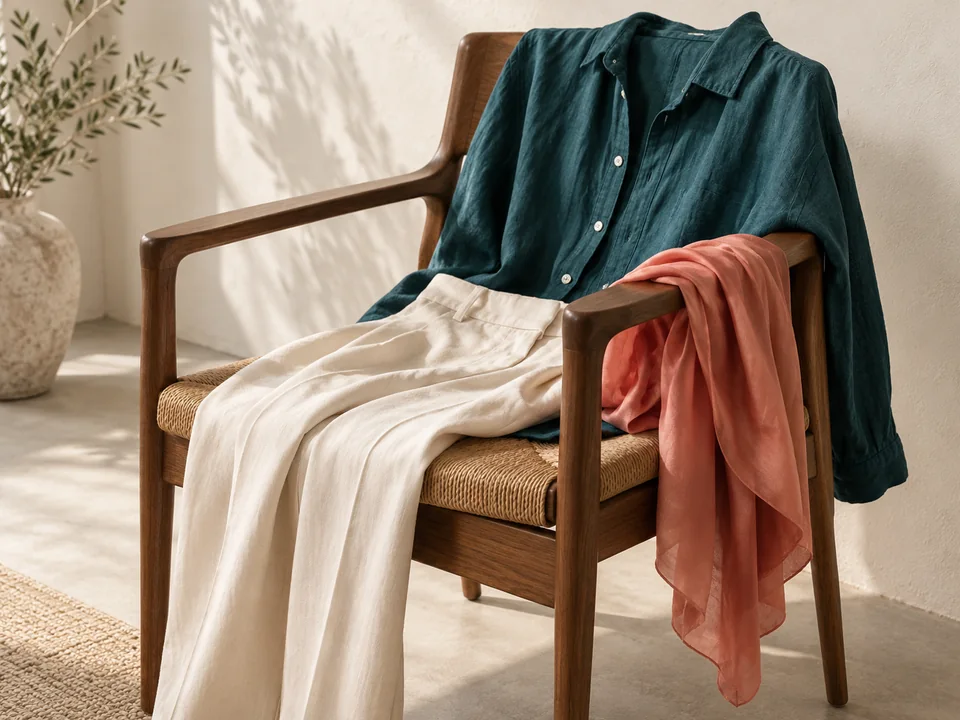
Try one recommended color near your face in a top or scarf. Pair it with a neutral you already wear, and notice how the combination feels in daylight.
Restoring your private report
Personal color, a little clearer
Upload a selfie for personal color analysis. Discover your color season, four recommended shades, and an outfit preview based on your photo.
Your color studio
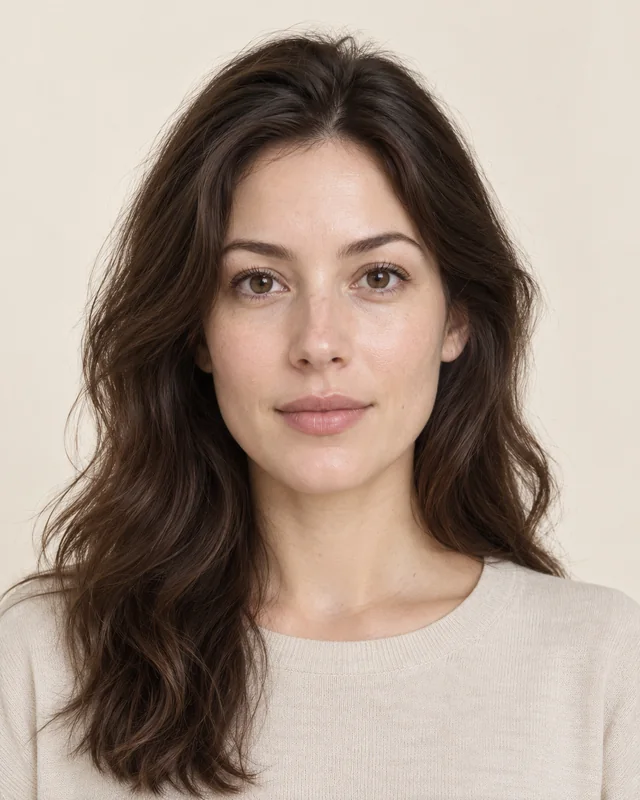
Upload a clear daylight photo. The AI considers your skin, eyes and hair to estimate one of the four main seasons.
Wardrobe inspiration
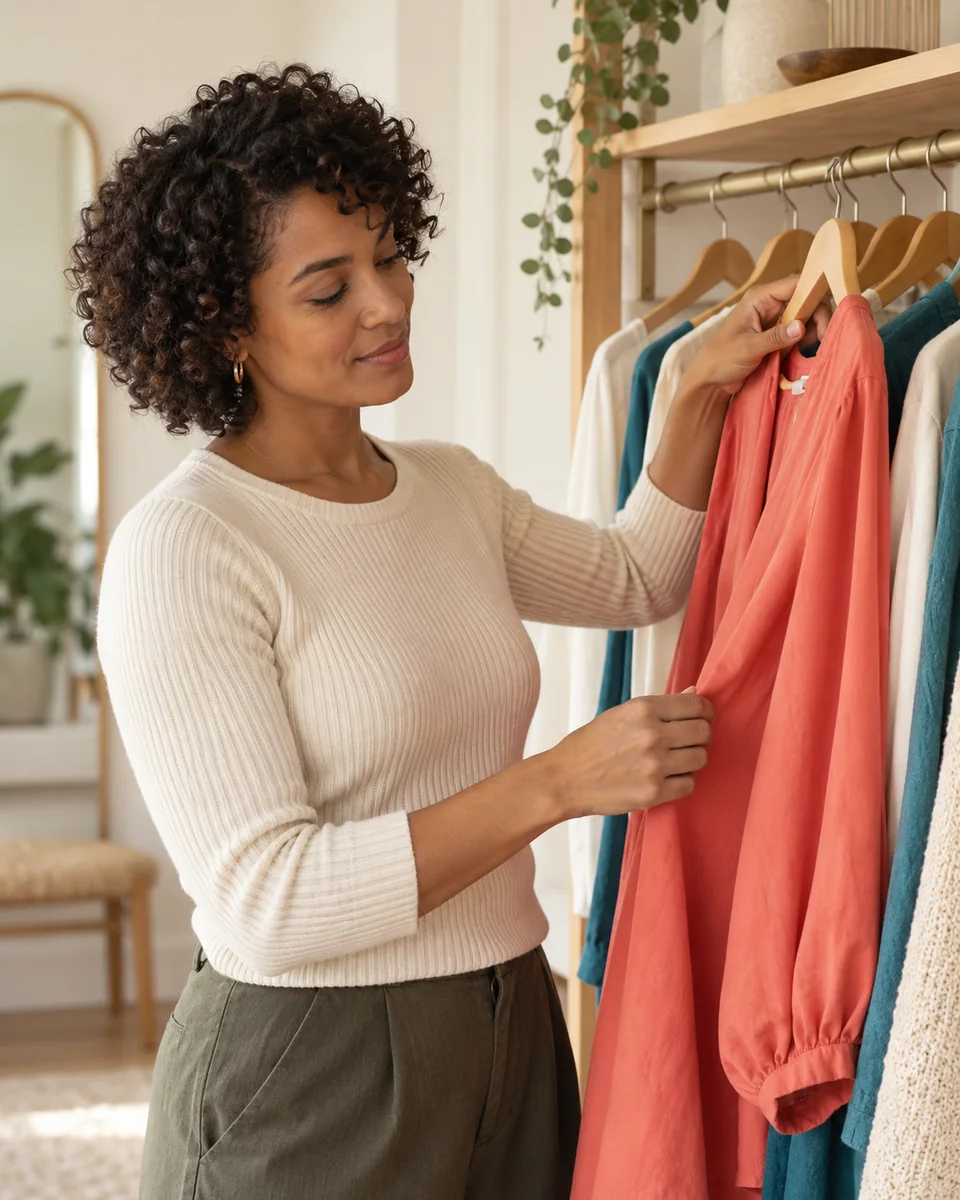
Color in everyday outfits
Explore combinations you can try. AI-generated styling scene.
Color comparison
Warmth, depth and contrast give you a way to explore color. Fabric draping illustrates how different shades can change the overall look.
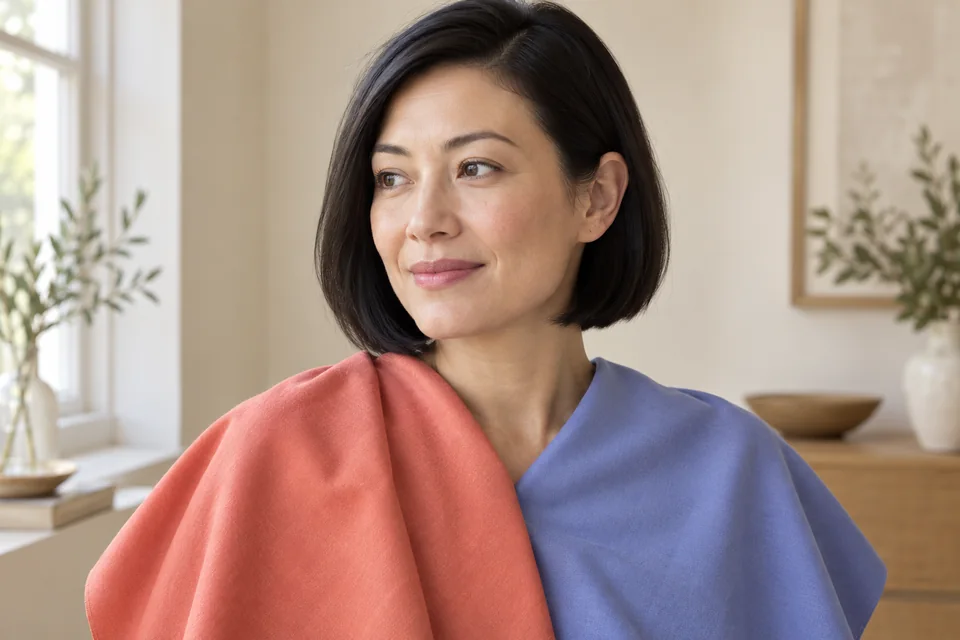
AI-generated fabric comparison illustration. Explore an actual result from the tool in the sample report below.
Start with a clear selfie. This online color analysis tool turns the visible colors in your photo into practical recommendations.
Free Color Analysis
Use one face in neutral daylight, with your eyes and hair visible. Avoid filters and heavy makeup so your photo is easier to assess.
AI looks at the visible relationship between your skin, hair and eyes to estimate one of the four main color seasons.
Get four priority shades, reasons to try them, an everyday outfit preview, and a caution color with a gentler alternative.
This sample was generated by the free color analysis tool from an AI demo portrait. Explore its colors and outfit recommendations before uploading your own photo.
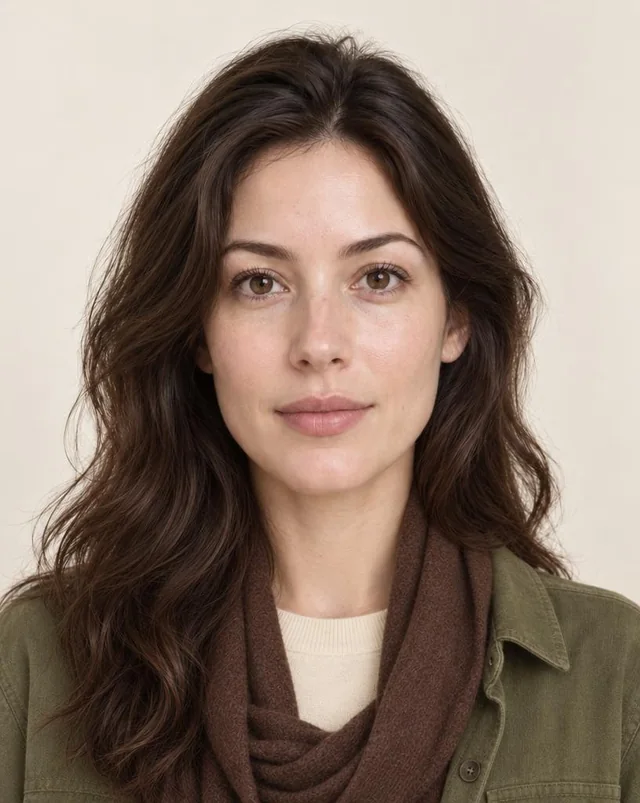
AI styling simulation. Real fabrics, colors and fit can differ.
Estimated color season
Autumn
Estimated neutral-warm skin, warm dark brown hair, and golden-brown eyes create a softly colored combination consistent with Autumn.
Muted warmth complements the golden tones visible in the brown eyes.
Soft earthy warmth complements the skin’s estimated peach-beige undertone.
Adds controlled contrast alongside dark brown hair without excessive brightness.
Offers a light neutral that harmonizes with the softly warm appearance.
Cream crewneck top under an Olive overshirt with a Chocolate scarf.
Gentle warmth complements the estimated undertone, while Chocolate echoes the dark hair.
Try instead
May look stark against the softly warm coloring. Cream offers gentler contrast.
Included in your free result
Start free analysisPhoto-based estimates, not a measured undertone. Lighting, makeup, camera processing and dyed hair can affect the result.
Personal color analysis gives you a place to start. Compare your palette with pieces you already own, then try small changes in natural light.
01Try one recommended color near your face in a top or scarf. Pair it with a neutral you already wear, and notice how the combination feels in daylight.
 02
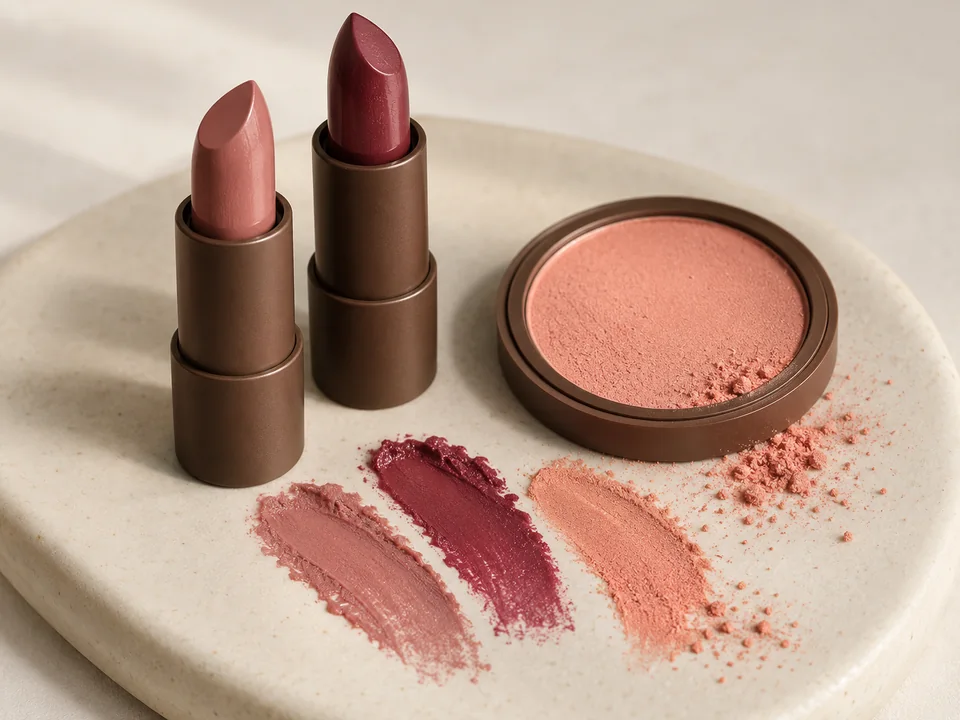
02Use your palette as inspiration when comparing lip and cheek colors. Swatch shades on your own skin and keep your preferences part of the decision.
 03
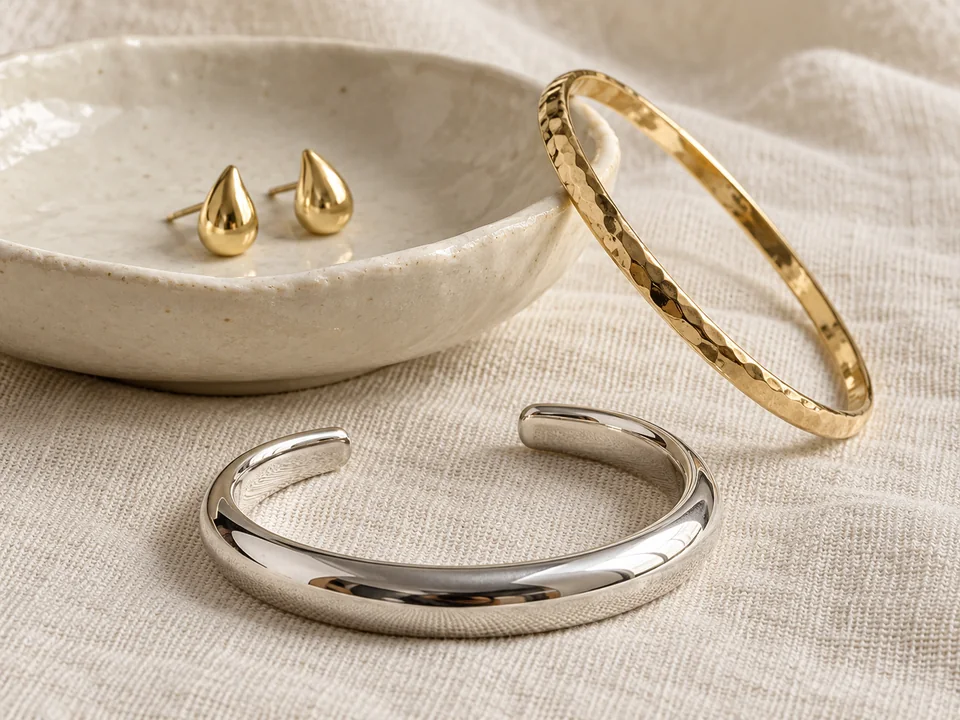
03Look at gold and silver next to your usual clothing colors. Their warmth, shine and contrast can help you explore a look without changing your whole wardrobe.
AI-generated styling inspiration. Explore your own colors when comparing clothes, makeup and jewelry.
Spring, Summer, Autumn and Winter describe broad color families. These examples introduce the system; individual recommendations come from your own analysis.
Warm & bright
Fresh coral, warm yellow and lively greens.
Cool & soft
Dusty rose, soft blue and gentle lavender.
Warm & earthy
Terracotta, olive and rich warm neutrals.
Cool & clear
Clear jewel tones and stronger contrast.
Your free analysis estimates one of four main seasons. The 12- and 16-season systems add finer subdivisions; they are not promised by this tool.
Explore all 12 color seasonsA few things to know before you upload your photo.
Start free analysisAI color analysis uses the visible colors in a photo to estimate a seasonal color family and suggest shades to explore. Personal color analysis, also spelled colour analysis, can help you compare clothing colors with your natural features.
Upload one clear selfie. The tool considers the visible relationship between skin, hair and eye color, then returns a four-season estimate and practical color suggestions. It does not physically measure your skin undertone or eye color.
Use a front-facing photo of one person in soft, neutral daylight. Keep your eyes and hair visible, avoid filters and heavy makeup, and upload a JPG, PNG or WebP file up to 10 MB. Strong shadows or colored lighting can make a result less useful.
The free result includes an estimated main color season, four priority shades with reasons, one everyday outfit recommendation and AI preview, and one caution color with an alternative. You can start without creating an account.
Results depend on the photo. Lighting, camera processing, makeup and dyed hair can change how your coloring appears. Treat the result as a starting point, try the colors in natural light, and use your own preferences. We do not claim a measured accuracy percentage.
A color analysis filter can be a way to visually compare color frames around your face. This tool analyzes an uploaded photo and provides a season estimate, named colors, explanations and an outfit preview. It is not a TikTok filter; lighting affects both kinds of comparison.
The free tool estimates one of four main seasons: Spring, Summer, Autumn or Winter. The 12- and 16-season systems divide these families more finely. A detailed subtype is not guaranteed by this free analysis.
Your photo is sent to AI providers for analysis and report previews. Free sessions last up to two hours; starting checkout can extend temporary retention, and paid reports remain available for 24 hours from payment confirmation. Uploading a new photo removes the previous app report. Provider retention follows their own policies.
Start with four shades and one outfit. Make the next color you try a more considered choice.
Start free analysisFree analysisNo account needed