AI photo try-on (this tool)
- Recolors your actual hair in a still photo with realistic shading.
- Keeps your hairstyle, face and skin tone — each preview is checked automatically.
- Runs in the browser; no hair color app to install.
Virtual hair color try-on
See a new hair color on your own photo before you book the salon. Upload one clear selfie, pick a shade and our AI hair color changer recolors only your hair — same hairstyle, same face, same skin.
Not sure where to start? Filter the shades by your color season to try the colors most likely to flatter you.
Free analysisNo account needed
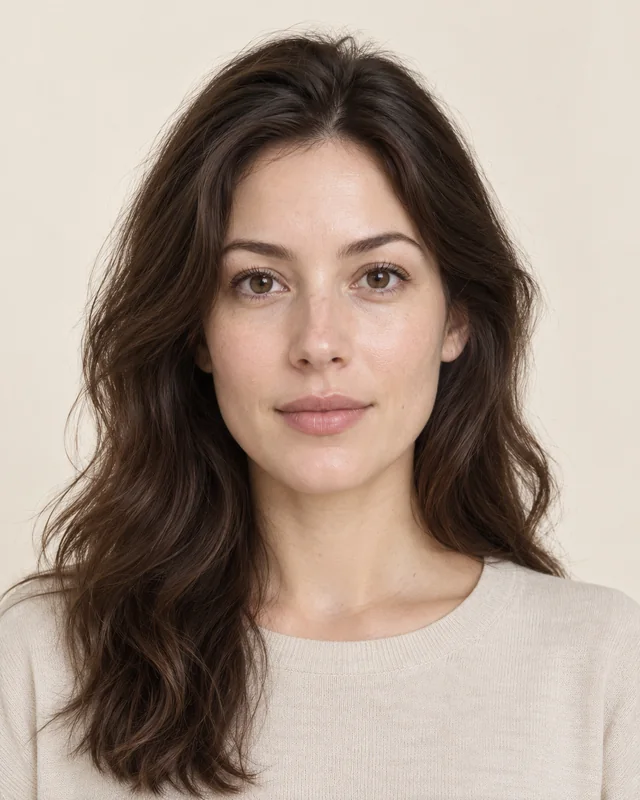
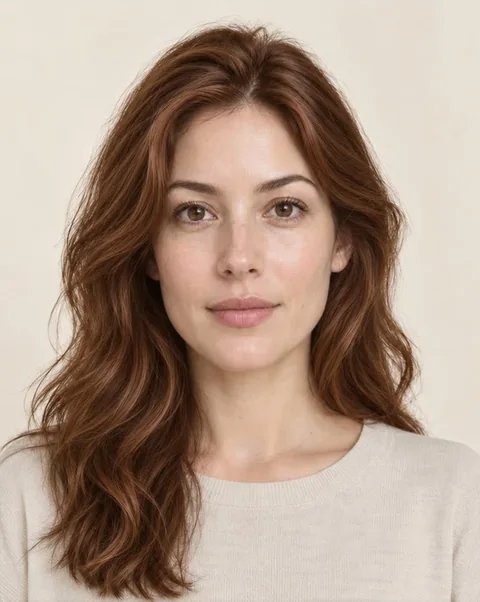
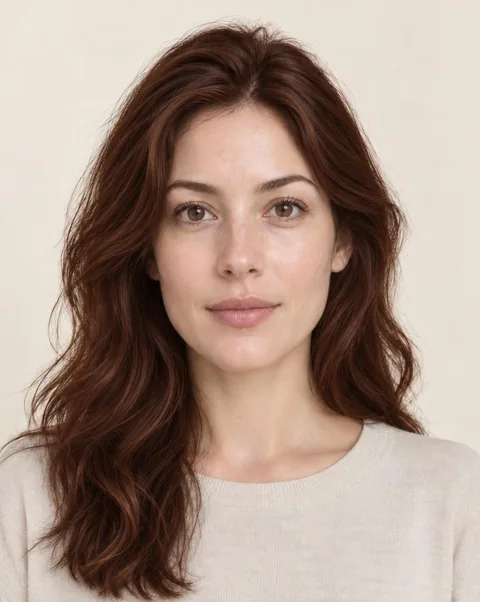
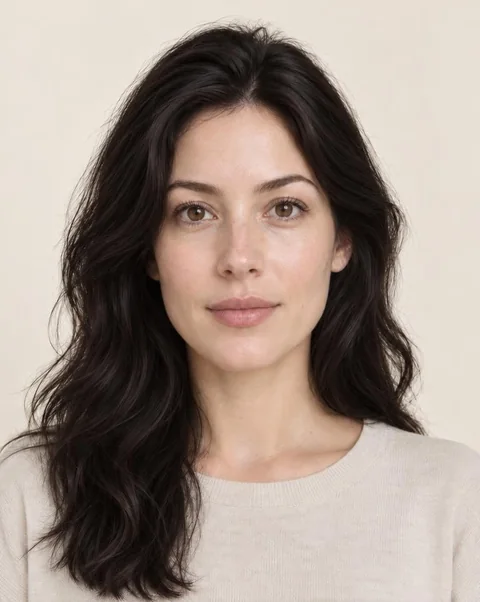
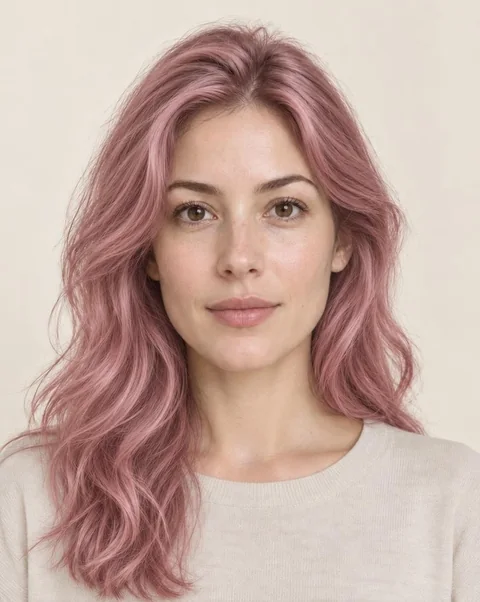 BeforeCopper
Try it now
Upload a front-facing photo with your hair visible. Each preview takes about 20–40 seconds; you can try more shades on the same photo without uploading again.
01Upload a clear selfie
Drop your selfie here
JPG, PNG or WebP · Up to 10 MB
Your photo is sent to our AI image provider to create the preview and is not saved on this site.
02Pick a hair color
Upload a photo to start. After the first preview you can try more shades on the same photo.
AI simulation for inspiration. Real dye results depend on your starting color, hair condition and stylist.
Real results
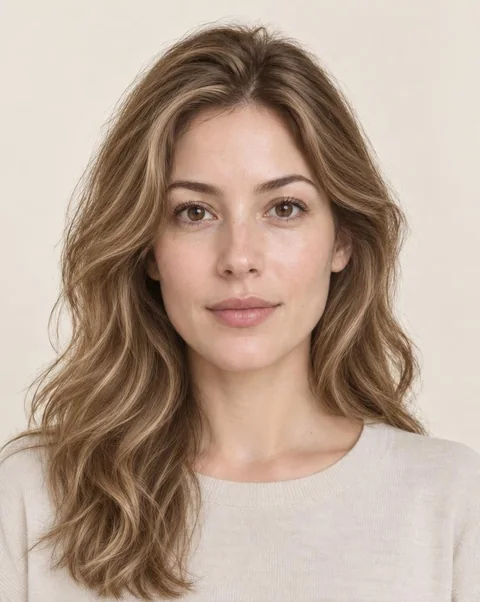
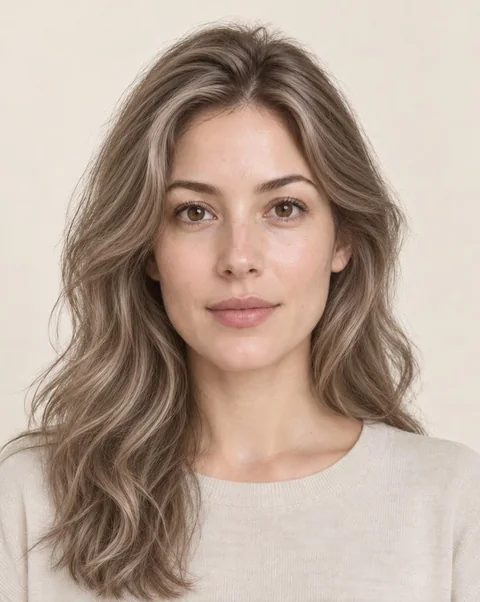
Every image below was made by this hair color changer from the same photo of our AI demonstration model. Only the hair color changes — the face, skin, hairstyle and background stay as they were.
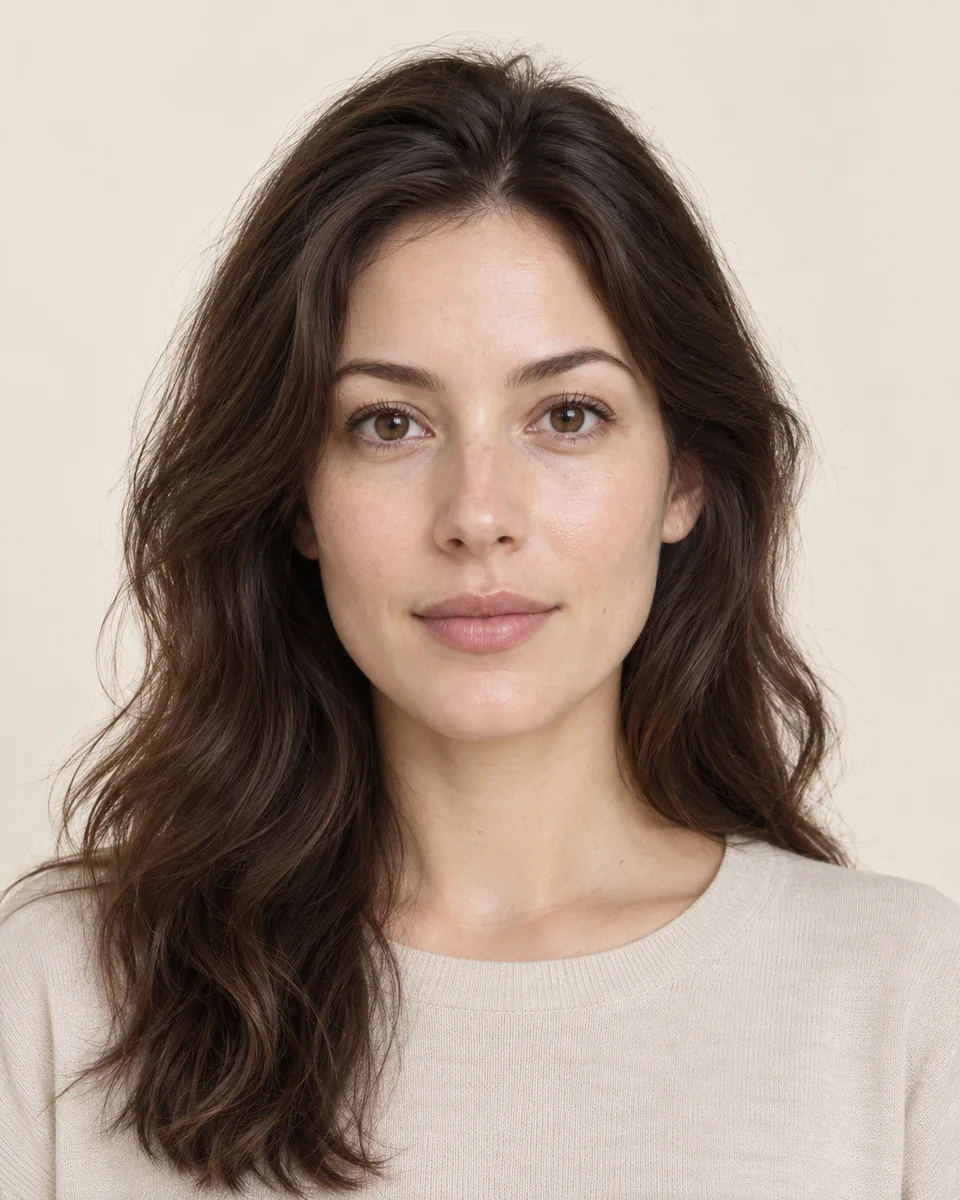
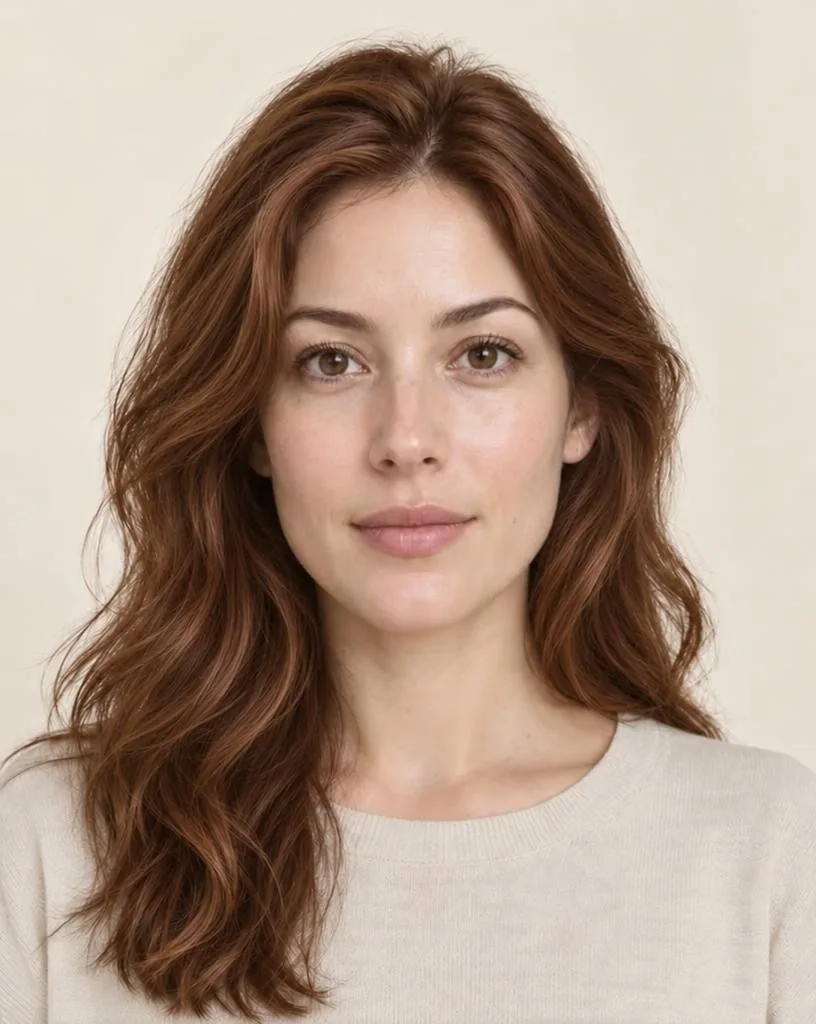
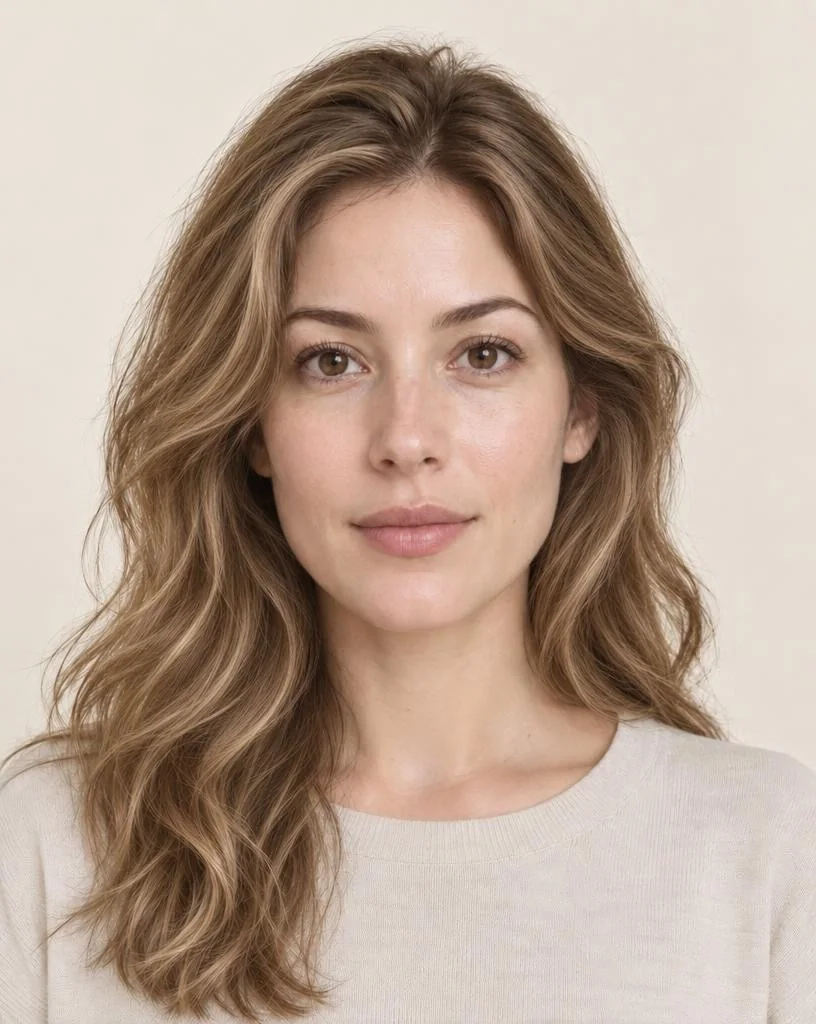
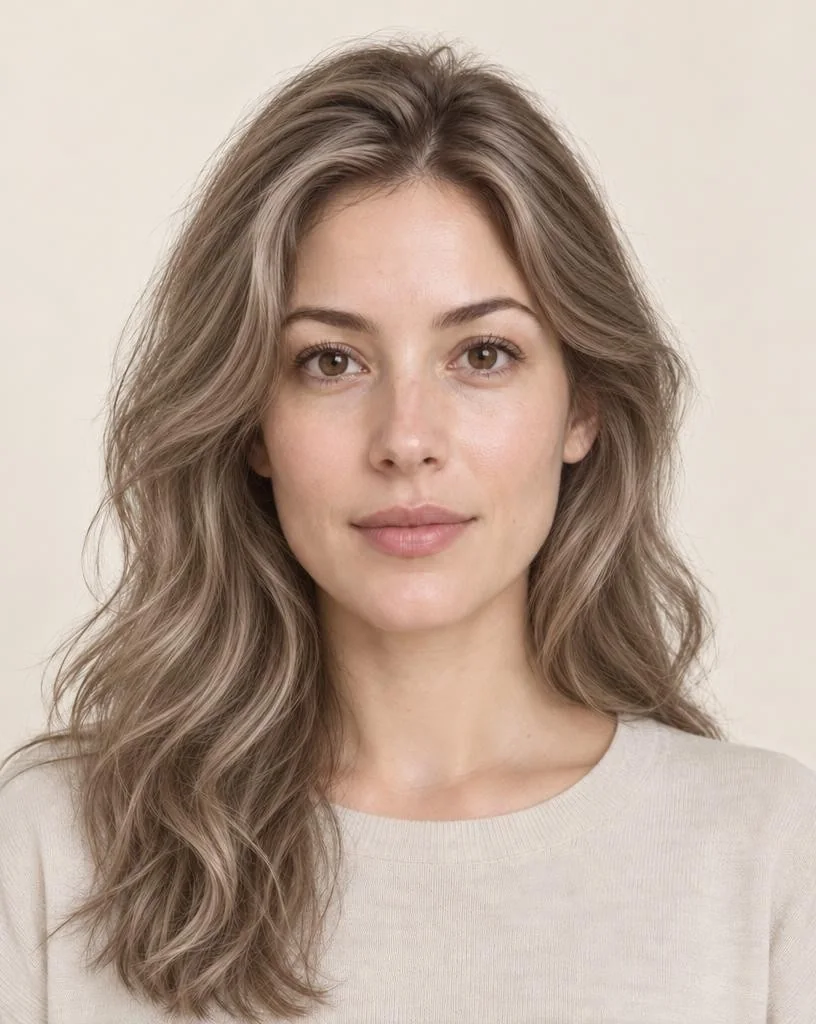
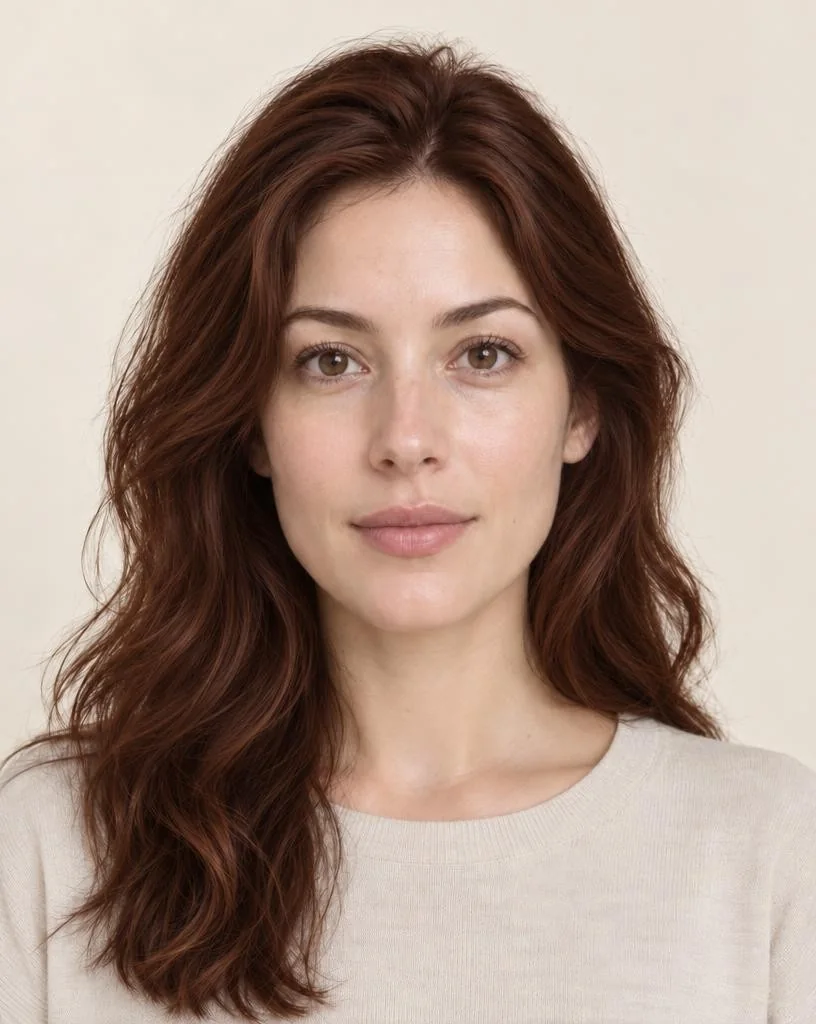
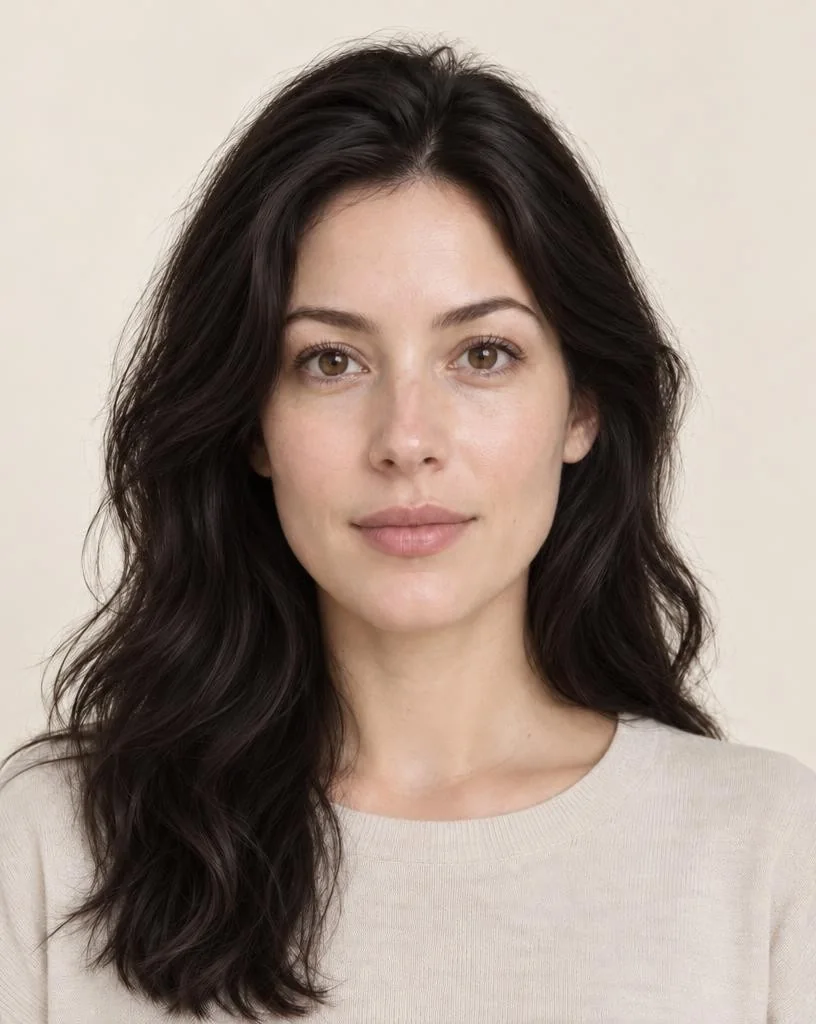
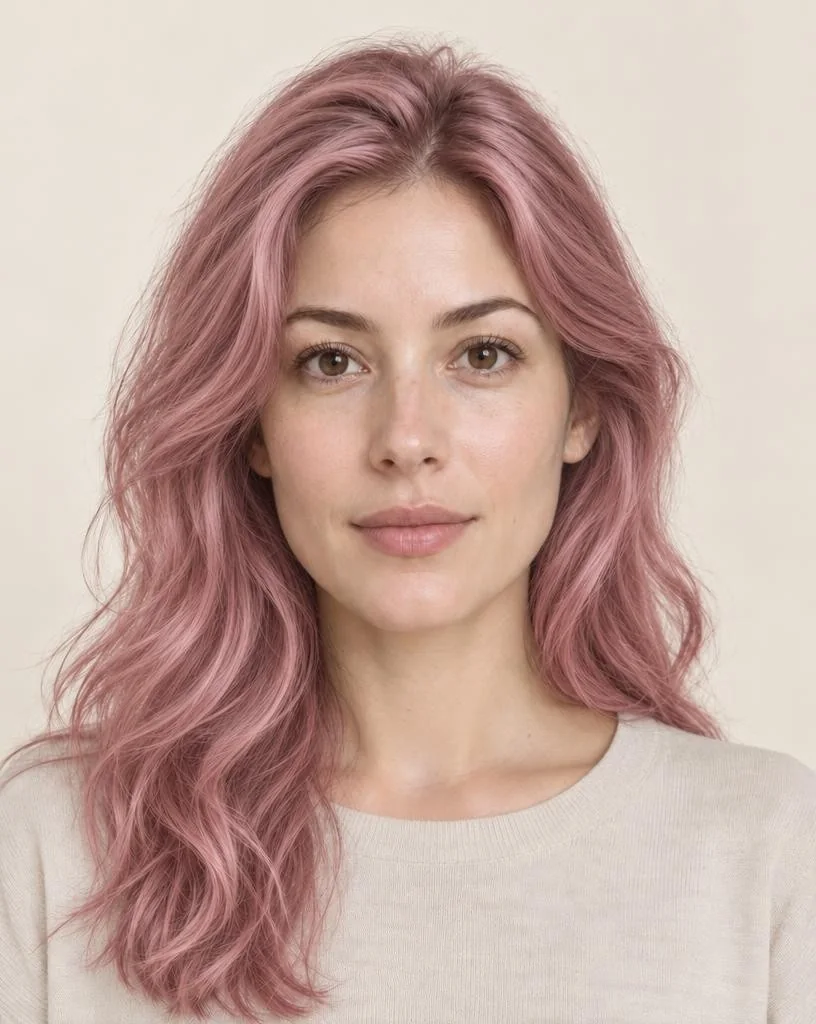
Results are AI simulations; real dye results depend on your starting color and hair condition.
How it works
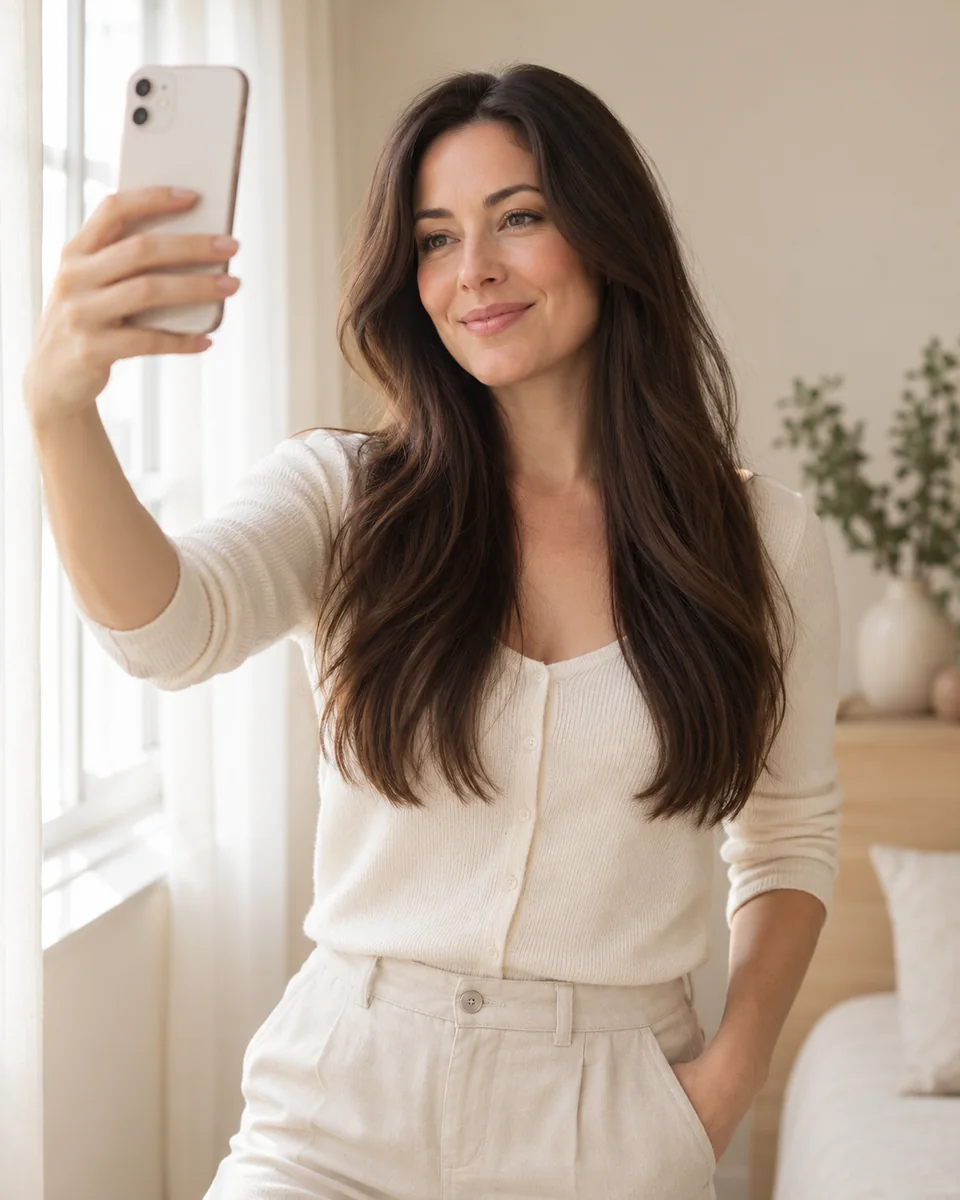
Daylight, no filter, hair down and visible. Busy backgrounds and hats make the edge of the hair harder to recolor.
Browse warm, cool, neutral and fashion colors, or filter by your season. Not sure of your season? Use the free color analysis first.
Switch between the original and each try-on, then download the preview to show your stylist.
By season
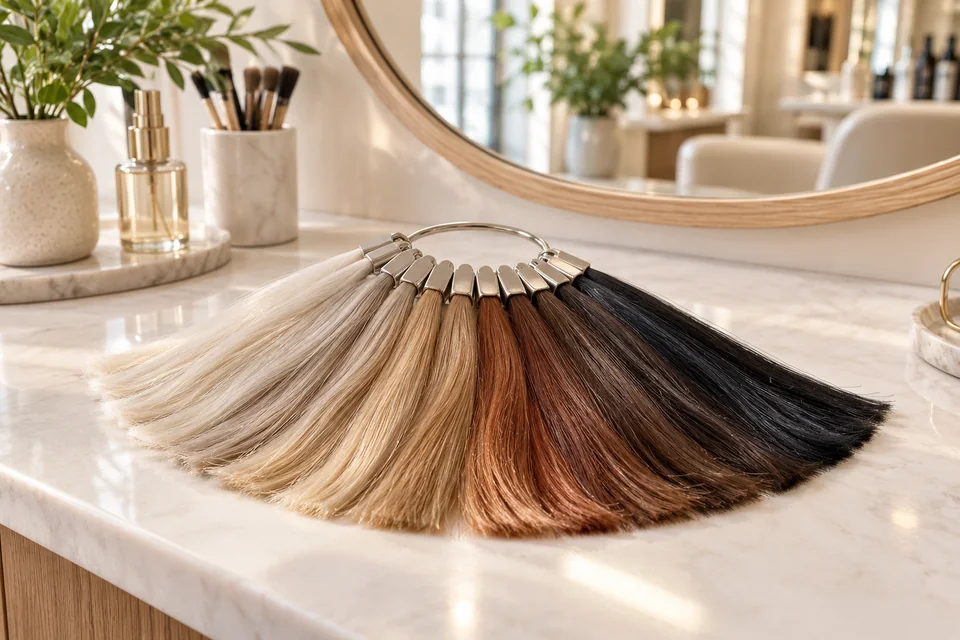
The most flattering hair colors usually repeat your undertone: golden, copper and caramel shades for warm coloring; ash, beige, espresso and blue-black for cool coloring.
Use the season filter in the tool, or see the chart below. To learn your season, take the free color analysis or read what hair color suits me.
Chart
| Season | Shades to try first | Approach with care |
|---|---|---|
| Spring |
| Blue-black, ash |
| Summer |
| Copper, golden yellow |
| Autumn |
| Platinum, blue-black |
| Winter |
| Golden caramel, copper |
Compare
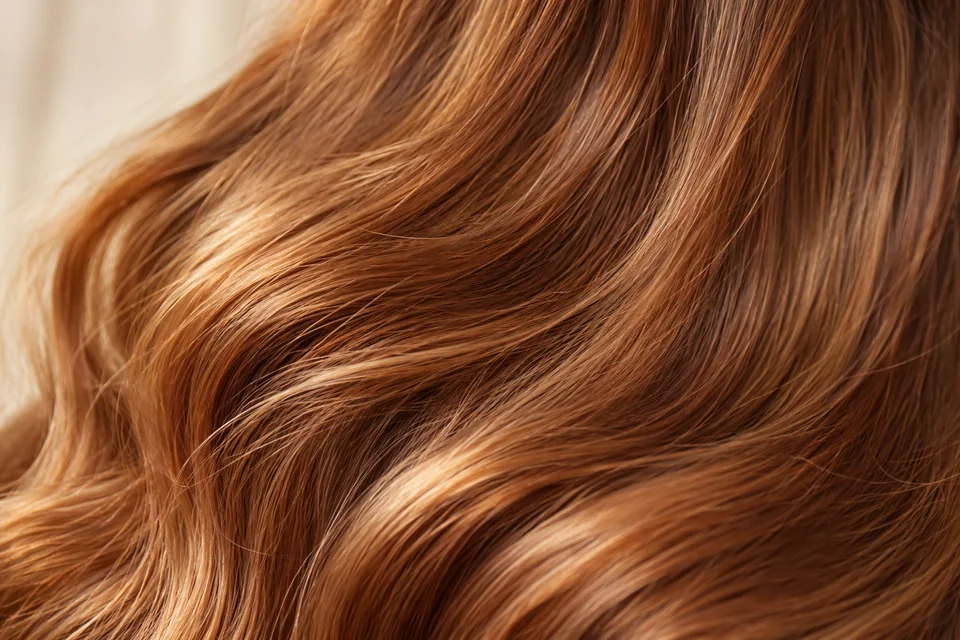
Before the salon
A hair color simulator shows the target shade, not the journey. Going much lighter usually needs bleaching and several sessions; going darker is easier but harder to undo. Fashion colors such as pastel pink and lavender fade fastest.
Bring the downloaded preview to your stylist together with a photo of your natural color. They can tell you whether the shade suits your hair condition and how much maintenance it needs.
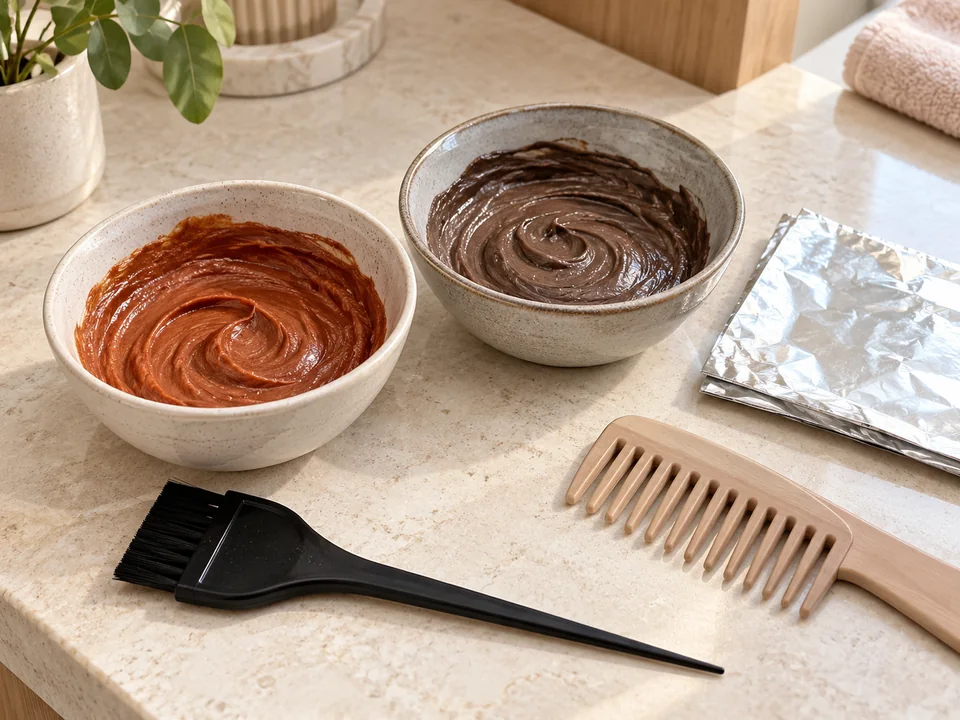
Next steps
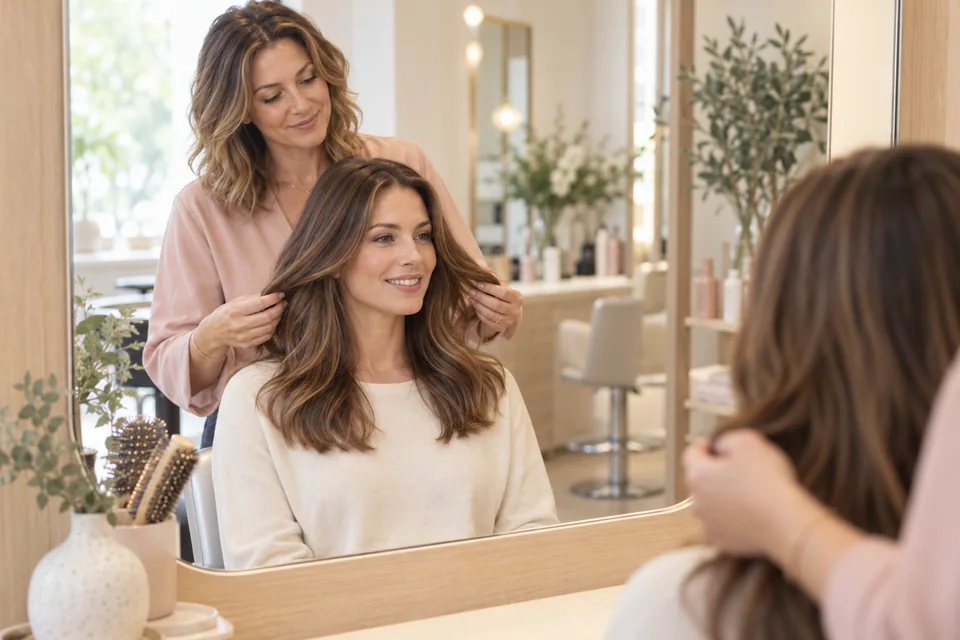
A downloaded preview makes the conversation concrete: tone, depth and how much lift your hair needs.
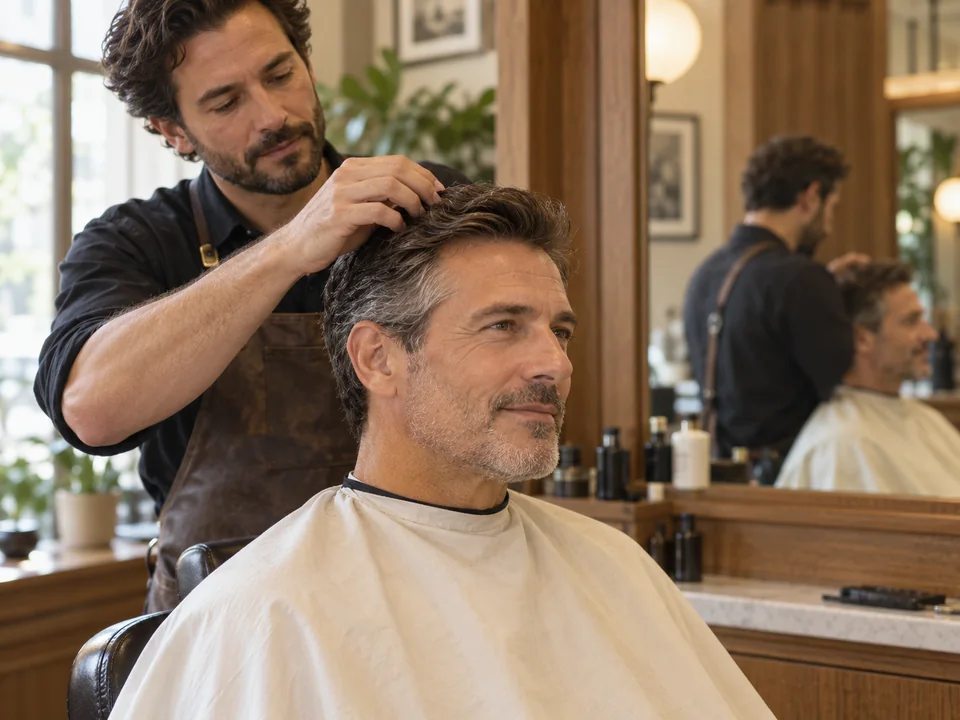
Men can try natural browns, espresso, blue-black or silver gray — useful for covering or blending gray.
Not sure which family suits you? Read the guide to hair colors by undertone and eye color.
Read the guideShort answers to the questions people ask most about this topic.
Yes. You can try hair colors on your photo for free without an account or app.
No. The tool changes only the hair color. Every preview is checked for changes to face shape and skin tone, and previews that fail the check are not shown.
Usually 20–40 seconds per shade. You can try more shades on the same photo without uploading again.
A front-facing selfie in daylight with your hair down and visible, no filter and no hat.
Yes, the preview shows the final shade. In real life, going from black to blonde usually takes bleaching and several salon visits.
Start with shades that match your undertone and season. Use the season filter in the tool or read our guide to what hair color suits you.
Upload a clear, front-facing selfie in daylight. The free analysis estimates one of the four main seasons and shows four colors to start with.
Upload a selfieFree analysisNo account needed